Thursday, 18 November 2021

Friday, 17 September 2021
Lockdown Learning
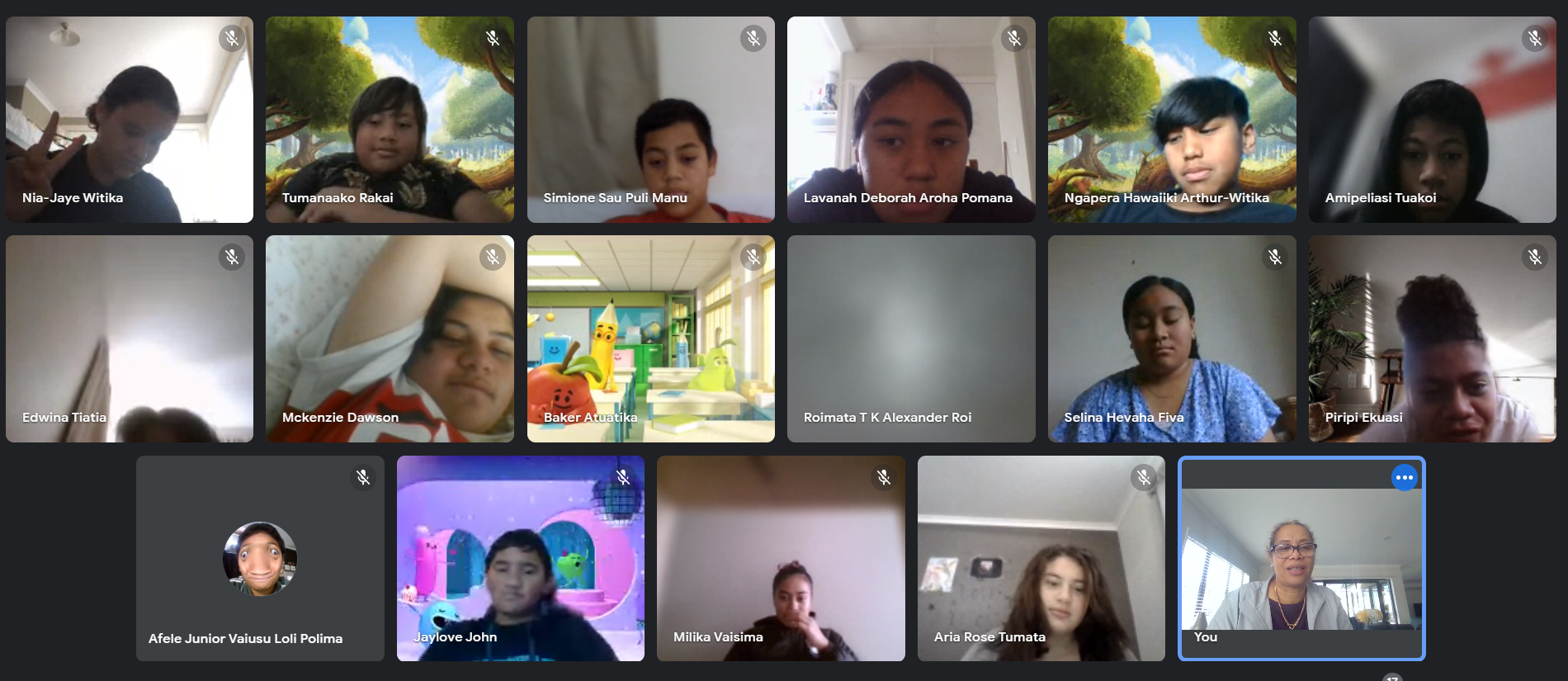
I found it really hard to engage my students and families over lockdown. I had an average attendance of around 50%, Mondays were usually lower. I tried calling and many numbers were disconnected and had not been updated by families on the school management system.
One parent confided that she knew that her boy stayed up all night and played online games, but that meant he normally slept most of the day and only woke up around the time she got back from work. This worked for her because this meant he was safe and not up and about.
I tried various ways to contact families to get their tamariki online. Some avenues trialled:
- Asking the students who were present to contact their friends who were not in class.
- Using Skool Loop.
- Once Level 3 was introduced, dropped off home learning packs for students who had damaged their devices and had no way of accessing online learning.
- Calling and doing welfare checks.
- Texting/ calling
I decided to suspend my enquiry during lockdown as I did not want to add to my stress and that of our families and we just continued lessons with the students who came online.
Friday, 2 July 2021
DFI Week 9 - Google Level 1 & 2 Results
I did it! A BIG THANK YOU to the DFI Team for all the help and support.

DFI Week 8: Computational Thinking
Another challenging week - learning to code and use Scratch. Below is my first attempt
DFI Week 7: Devices
This week we got to use the Chromebooks and iPads that the students use. We used Explain Everything on the iPads to create resources. I found this really difficult because I seldom use an iPad, but I also lacked motivation as my students don't use iPads. I was more focused on fully understanding the Chromebook (and doing the 'Digital Dig' ) as this is the tool used by students.
The Evolution of Classroom Technology
Chalkboard (1890)

Projector (1925)

Calculator (1970)

Chromebooks (today)

Technology changes all the time and it is our responsibility as teachers to keep pace with this change in order to provide the best possible outcomes for our ākonga.
Friday, 25 June 2021
Who Are We?
This past fortnight our text focussed on 'Who are we? What makes us who we are? This led to fascinating discussions as to who or what we identify as and what makes us who we are'. Are you still Samoan if your parents are Samoan, but you were born in New Zealand and never been to Samoa?

It was great to debate topics in a respectful way (speaking frames were put up as a scaffold/ support for some learners).
One of the tasks students had to complete was to create a family tree and to go back as far as possible. It was lovely to hear how students had to ask their grandparents for some details and the incidental family stories that were shared. Students had to publish their Family Tree on their blogs. Here is an example from Deborah (Y8 student):

Friday, 11 June 2021
DFI - Week 6: Enabling Access Sites
This week we continued looking at sites. We learned how to create them and how to use them to hook the attention of our students.
We also learned a few more 'Hapara Hot Tips'.
Key benefits of using Hapara include:
Easy access and visibility to learner work:
View a quick summary of learner progress across OneNote organised by classes and subjects
Improve skills development:
Organise learners into groups and provide individual feedback and support to improve skills and mastery of topics
Quickly share documents with learners:
Share documents, assignments and resources quickly with individual learners, groups and the whole class
Individualise learning by differentiating assignments:
Track progress and submissions, provide feedback and guidance
Promote student agency and responsibility:
Give learners an easy interface to manage their assignments, customise their submissions and participate in learning and collaboration.
Activity visibility tools:
Allow teachers to see learner screens and class browsing activity.

Subscribe to:
Posts (Atom)
-
Another Friday, another day of amazing learning with the DFI facilitators! Today we learned how to set up a Youtube channel and add playlist...
-
 Friday 5th May 2017 marked the first of nine digital immersion professional development (PD) days. These PD days will take place every...
-
What a whirlwind DFI Day 2 was! We dived deep into optimising Google Calendar and, excitingly, learned how to create and record a Google Mee...